




 In stock






Copyright © 2026 KVMGalore® - All rights reserved.
Buy this item and earn 0 ClubPoints.
QUICK-DCIM: Quicklime data-center module
for energy optimization, capacity planning, thermal-risk monitoring, power-train mapping, efficient energy-usage analysis, network-cable mapping, asset management and data-center visualization - pricing is based on rack count

Quicklime is best-in-class data-center infrastructure management software (DCIM).
Quicklime is a powerful and versatile centralized monitoring and management platform for complex infrastructures. Designed for mission-critical environments, it provides comprehensive modules with AI powered analytics for data-center infrastructure management (DCIM), video surveillance and sensorCFD.
Monitor all your deployed sensors, intelligent PDUs, backup power systems from a single user interface. 3D data center visualization, rack mapping, capacity planning, asset tracking and more.
With Quicklime you can create customized desktops that drill down from a data center view to an individual rack, or asset in a few clicks. Sensor data feeds into assets for granular insights into each assets power, environmental, security or network status. Integration with third party sensors via popular protocols such as Modus, Bacnet, SNMP and MQTT.
Capacity Planning
Plan where you can increase data center capacity. Find racks with available space, check for sufficient power and identify stranded capacity that is wasting energy.
With Quicklime asset tracking and management feature you can find capacity in your data center. View available rack space, with power meters check for sufficient power overhead. With the addition of temperature monitoring and cabinet rack maps, find where you have colds pots and capacity can be increased without the need for additional cooling.

Asset Management
At the heart of the DCIM are all of the appliances and equipment that make up your infrastructure. Map out your data center and locate the assets. Connect the assets with sensors to monitor the environmental, power or security parameters of those assets.
 Thermal Risk Monitoring
Quicklime DCIM helps meeting ASHRAE recommendations for data center operating temperatures. It helps protect IT equipment from high temperatures, monitors for hotspots in your racks with cabinet rack maps, and alerts with sensor values and detailed insights for thermal risks.
Efficient Energy-Usage Analysis
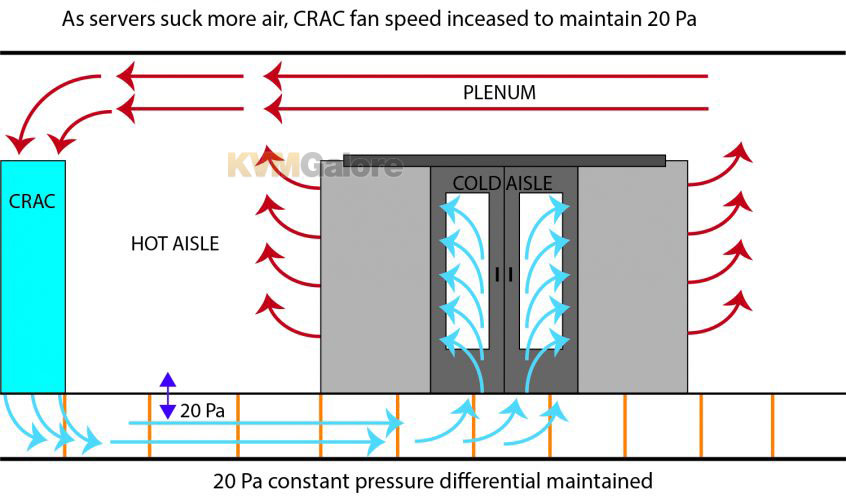
Efficient use of cooling, check for cold spots in your data center. Areas that are over-cooled or under utilized. Improve your energy efficiency, reduce operational costs.
Through the analysis of multiple sensors per rack a model of your data centers thermal capacity is generated. Identification of stranded capacity, over cooled and under utilized cooling units enables proven energy savings.

Power Train Mapping
Monitor your facilities power, PUE, loads and power utilization. Balance loads and plan Data Center expansion. Power data comes from AKCP power meters, third party power meters or intelligent PDUs.
Network Cable Mapping
Connect assets to their relevant network switches and ports. Generate cable schedules with source and termination points, lengths and labels. Manage cable pathways and determine run lengths.
 Data Center Visualization
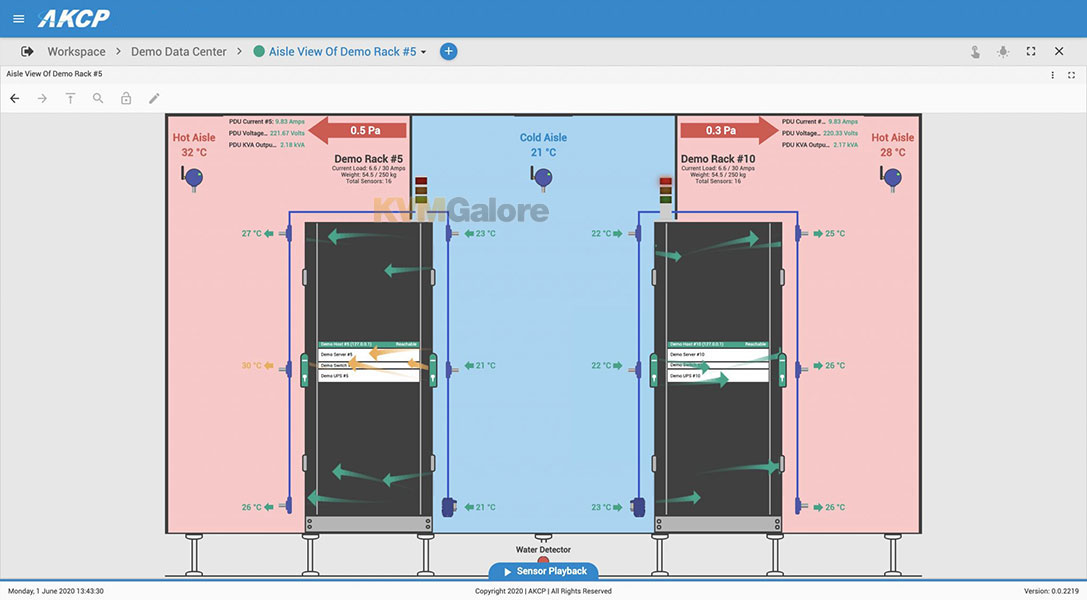
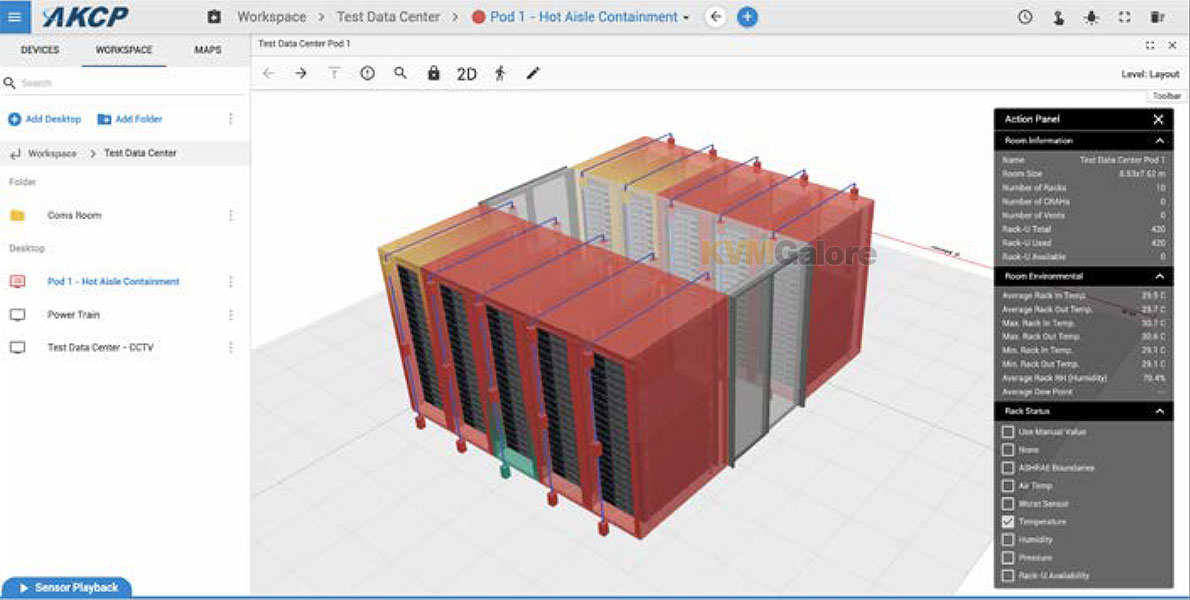
2D and 3D data center visualization. Draw your data center in 3D, add assets to racks and connect assets with sensor data. Drill down from a world view to individual sites, down to rack level. Quickly identify problem areas from an overview map of your data center.
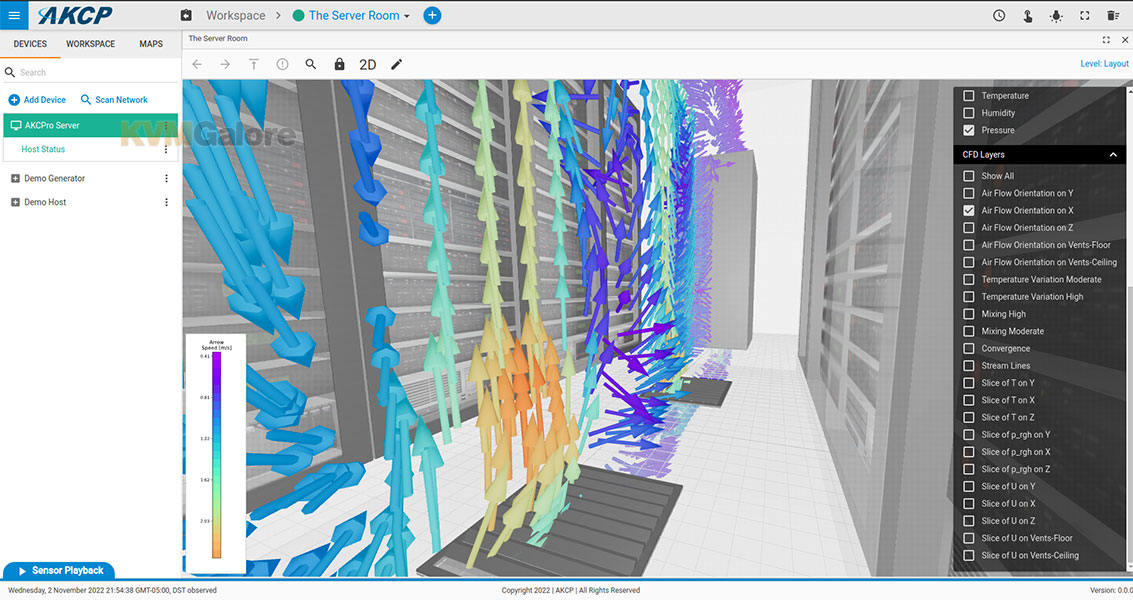
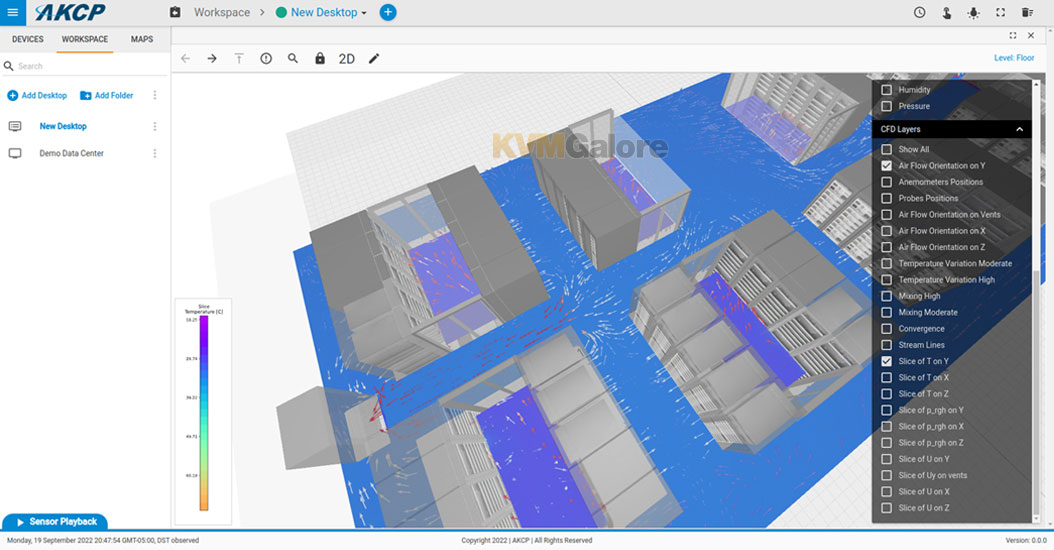
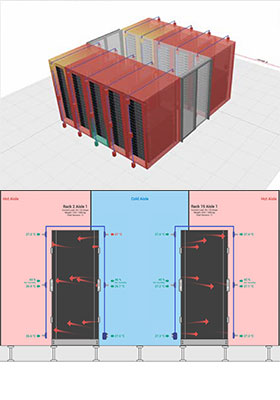
Quicklime software includes built-in drawing tools to quickly layout your data center floor-plan, complete with containment, raised flooring, racks and CRAHs. With a click of a button convert the floor-plan to 3D and visualize your data center, individual racks colored by status. Drill down to an individual rack, view installed assets, and display AKCP thermal map sensors. Implementing sensorCFD™ displays visual representation of airflow in your data center.
Software Updates and Support
Software updates and support are included with the license for one year. Optional Quicklime annual maintenance (to continue receiving software updates and support after the first year lapses) is also available.
Need help with product selection?
Call KVMGalore at 1-800-636-3434, or submit your question on KVMGalore HelpCenter.