





 In stock






Copyright © 2026 KVMGalore® - All rights reserved.
Buy this item and earn 415 ClubPoints.
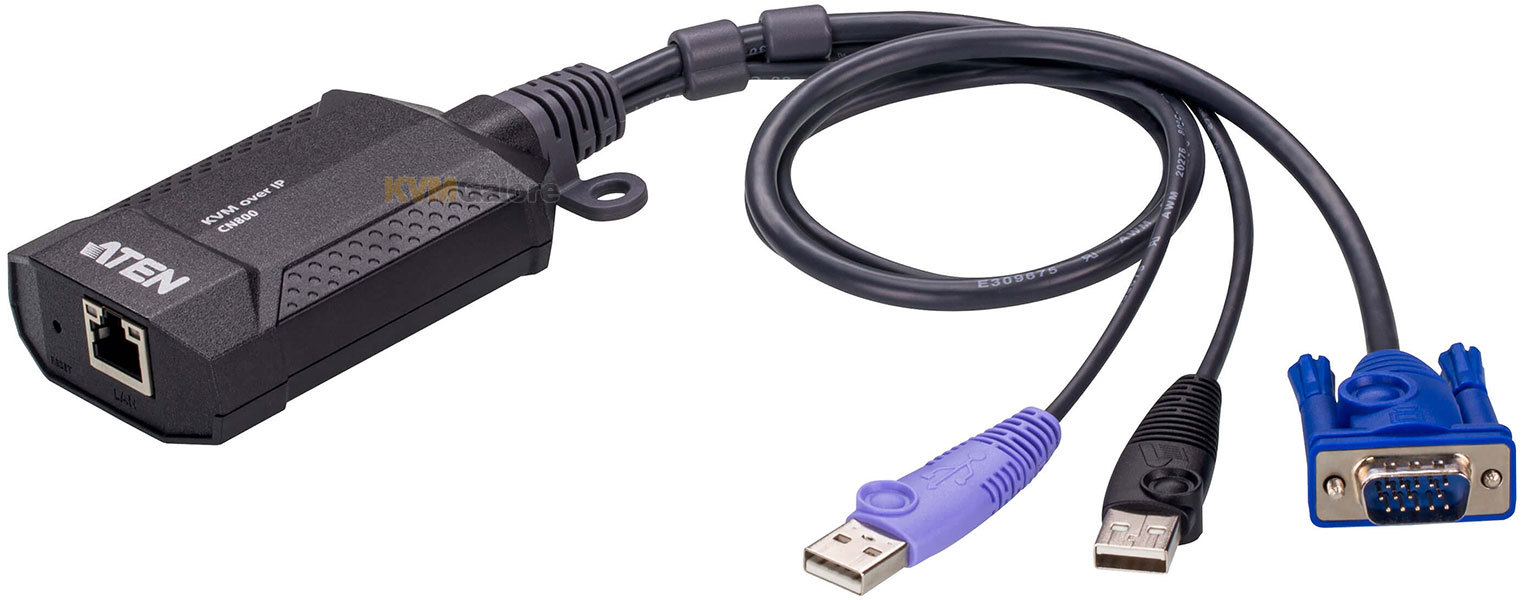
Single port, VGA-USB mini KVM over IP dongle
for one remote user access, with virtual media

• High video resolution – up to 1920x1200 @ 60 Hz
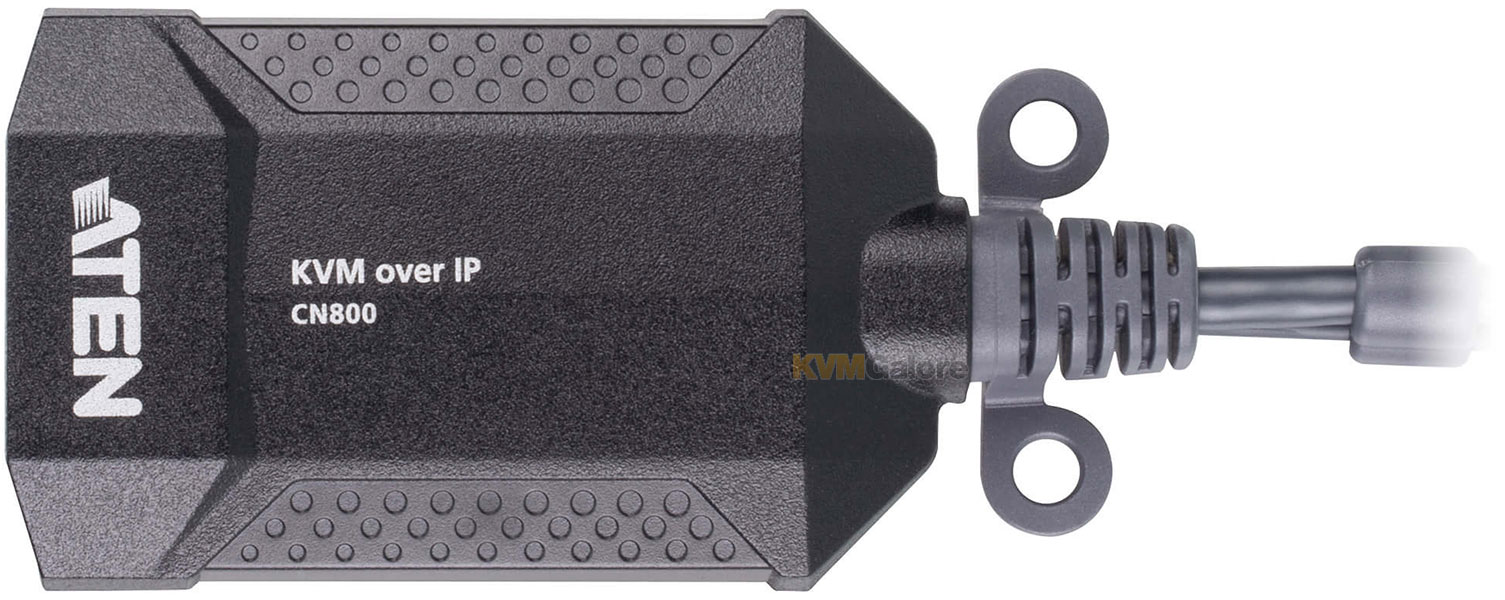
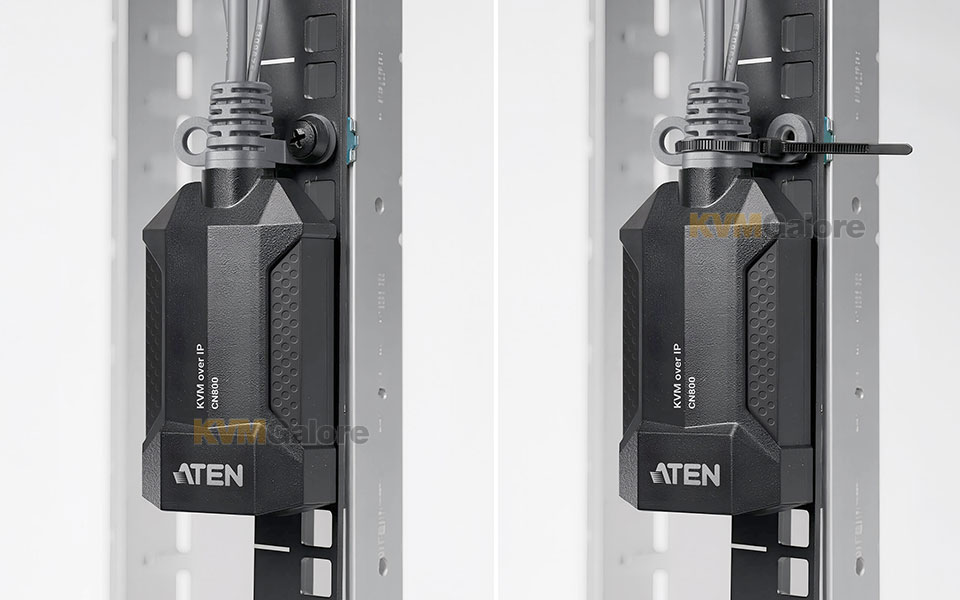
• Hook design for space-saving and organized workstation
• BIOS level access with fully control
• Bus-powered
ATEN CN800 offers superior video quality with HD resolutions up to 1920x1200 @ 60 Hz, facilitating easier KVM access. CN800 USB VGA KVM over IP Mini provides "over-IP" access control for conventional KVM switches lacking built-in over-IP functionality. It enables system operators to monitor and access computers remotely using Windows and Java-based application programs.
CN800 connects to an intranet, either LAN or WAN simply by using an industry-standard CAT-5e/6 cable and to a target computer or server. WinClient and JavaClient are available for remote access, enabling IP connection and login from anywhere over the internet.
ATEN's CN800 uses the standard TCP/IP protocols for communication. It allows the connected server or computer to be accessed from any computer over the internet – whether that computer is located down the hall, in other areas of the country, or branch offices in other parts of the world. CN800 provides a fast, reliable, and cost-effective way to remotely access and manage widely distributed multiple computer installations.
Hardware Features
• Provides over-IP capability to KVM switches that do not have built in over-IP functionality
• Supports multi-platform server environments: Windows, Mac, Sun, Linux and VT100 based serial devices
• Virtual-media support
• Up to 1920x1200 @ 60 Hz video resolution with 24 bit color depth for remote sessions
• Enhanced FPS (frames per second) throughput for crisp responsive video display
Bus-powered – no external power adapter required
Management Features
• Up to 64 user accounts
• Up to 32 users concurrent logins
• End session feature – administrators can terminate running sessions
• Event logging and Windows-based Log Server support
• Supports instant notification of critical system events via email, SNMP trap, and Syslog
• Remote firmware upgradable
• Multi-user Mode allows multiple users to gain access to a server simultaneously
• Integration with ATEN CC2000 Centralized Management Software
• Integration with ATEN CCVSR Video Session Recording Software
• DDNS (Dynamic Domain Name System)
• Enable / disable browser operation
• IPv6 capable
Easy-to-Use Interface
• Browser-based and AP GUIs offer a unified multi-language interface to minimize user training time and increase productivity
• Multi-platform client support (Windows, Mac OS X, Linux, Sun)
• Multi-browser supports (Chrome, Firefox, Safari, Opera)
• Browser-based UI in pure Web technology allows administrators to perform administrative tasks without pre-installed Java software package required
• Full-screen or sizable and scalable Virtual Remote Desktop
Advanced Security
• External authentication supports: RADIUS, LDAP, LDAPS, and MS Active Directory
• TLS 1.2 encryption to protect password when users log in
• Flexible design allows users to choose any combination of encryption algorithms (e.g. 256-bit AES) or systemgenerated random selection for independent keyboard / mouse, video, and virtual media data encryption
• Supports for IP / MAC Filter
• Supports password protection
• Private CA
Virtual Media
• Virtual media enables file applications, OS patching, software installation and diagnostic testing
• Works with USB enabled servers in operating system and BIOS level
• Supports USB 2.0 DVD / CD drives, USB mass storage devices, PC hard drives and ISO images
• Convenient to use without virtual media cable
Virtual Remote Desktop
• Video quality and video tolerance can be adjusted to optimize data transfer speed; monochrome color depth setting, threshold and noise settings for compression of the data bandwidth in low bandwidth situations
• Full screen video display or scalable video display
• Message Board for communication among remote users
• On-screen keyboard with multi-language support
• Mouse Dynasync
• Exit macros support
• BIOS-level access
Need help with product selection?
Call KVMGalore at 1-800-636-3434, or submit your question on KVMGalore HelpCenter.