




 On back-order until Apr. 18, 2026






Copyright © 2026 KVMGalore® - All rights reserved.
Buy this item and earn 24 ClubPoints.
2-port, USB 3.0, 8K DisplayPort KVMP™ switch
control two computers with a single USB keyboard and mouse while sharing USB peripherals and enjoying ultra-high-resolution video, cables included
• Up to 7680x4320 @ 60Hz, 5120x2880 @ 60Hz and 4096x2160 @ 120Hz
• Supports daisy-chaining for dual-display setups by connecting two CS1922A units, enabling dual-screen control through a single connection
• All DisplayPort/USB cables and power adapter included for hassle-free installation
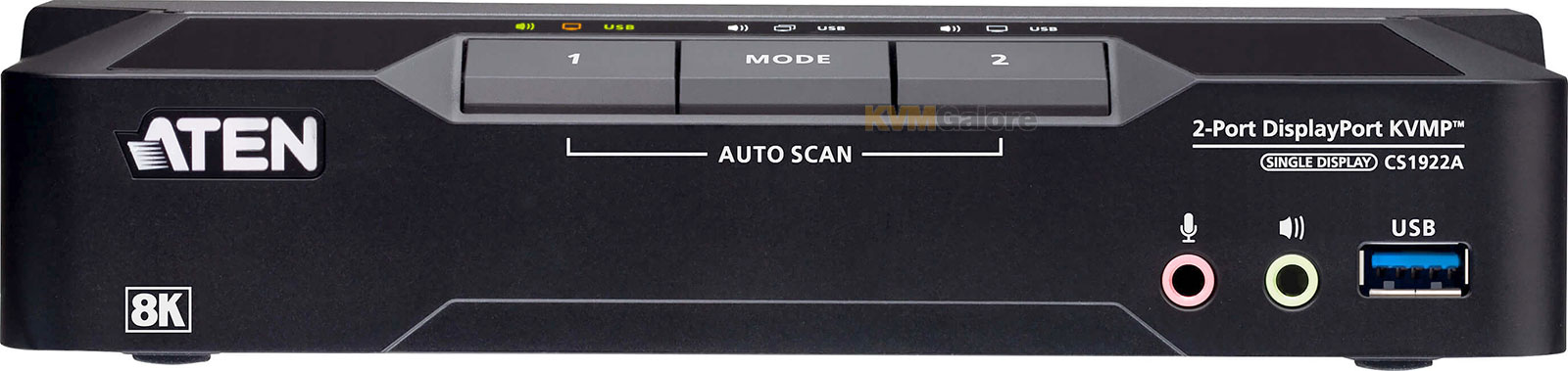
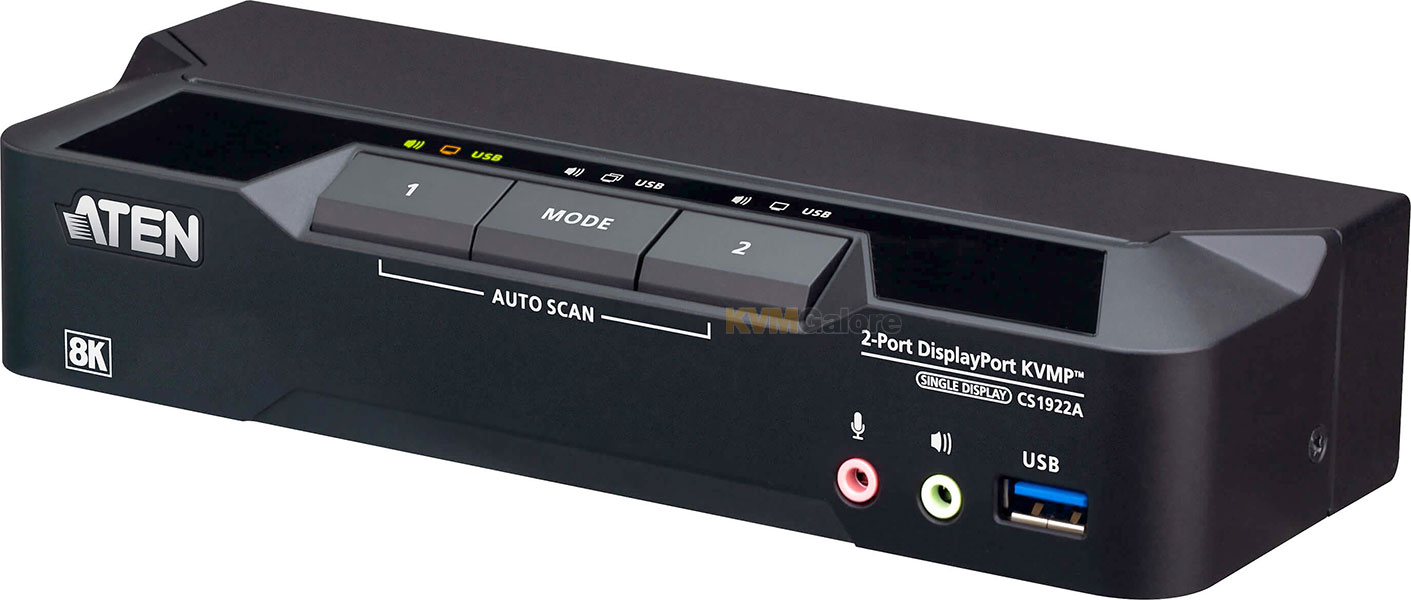
• Computer selection via push-buttons, remote port selector, hotkeys, mouse, and RS-232 commands
Built on ATEN's enterprise-grade design heritage, CS1922A belongs to ATEN's first KVM switch series with 8K support, delivering professional-grade performance and reliable multi-computer control from a single console.
Ultra-High Resolution for Versatile Professional Applications
CS1922A delivers up to 8K/60z and 4K/120, providing precise, clear visuals for demanding tasks. It enables users to control multiple computers from a single console, supporting efficient multitasking and high-resolution workflows while keeping the workspace clean and organized.
Multi-Display Expansion and Broad Display Compatibility
Daisy-chaining further allows multi-display setups using a single keyboard and mouse, streamlining multi-screen workflows and enhancing productivity for complex tasks. With DisplayPort Dual-Mode (DP++) support, the switch can connect to HDMI or DVI displays via compatible adapters, expanding compatibility with a wide range of monitors.
Flexible and Intuitive Switching for Efficient Workflows
Multiple switching methods, including front panel push-buttons, a remote port selector, hotkeys, mouse switching, and RS-232 commands, allow users to control connected computers seamlessly. This flexibility enables fast, efficient workflow management tailored to individual preferences, ensuring smooth transitions between multiple systems.
Efficient Peripheral Sharing and Easy Installation
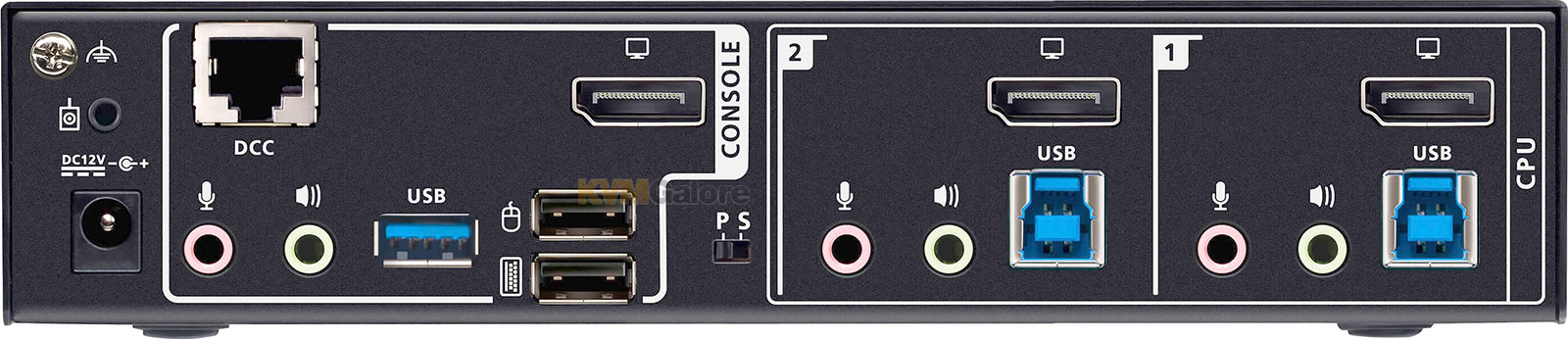
The integrated USB 3.1 Gen 1 hub provides 5 Gbps data transfer speeds, enabling fast sharing of peripherals between connected computers. All required DisplayPort and USB cables, along with a power adapter, are included for quick, plug-and-play setup, helping users maintain a clean, organized, and fully functional workspace from the start.
High-Performance Hardware and Display Capabilities
• Superior video quality – up to 7680x4320 @ 60Hz, 5120x2880 @ 60Hz and 4096x2160 @ 120Hz
• Two USB 3.1 Gen 1 ports with SuperSpeed 5 Gbps transfer rates
• Supports DisplayPort Dual-Mode technology (DP++)1
• Supports MST (Multi-Stream Transport)2
• DisplayPort 1.4 compliant
• HDCP compliant
• Supports HDR 10+
• Supports HD Audio3
• Supports daisy-chaining setup4
• Supports hot-plugging
Comprehensive Management and Switching Controls
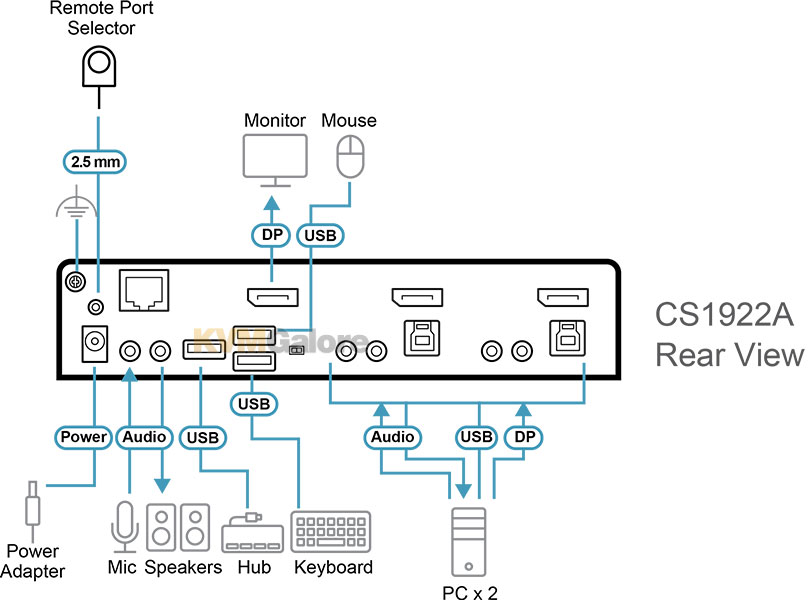
• One USB keyboard and mouse control two DisplayPort computers and share two USB peripherals
• Computer selection via push-buttons, remote port selector, hotkeys, mouse5, and RS-232 commands
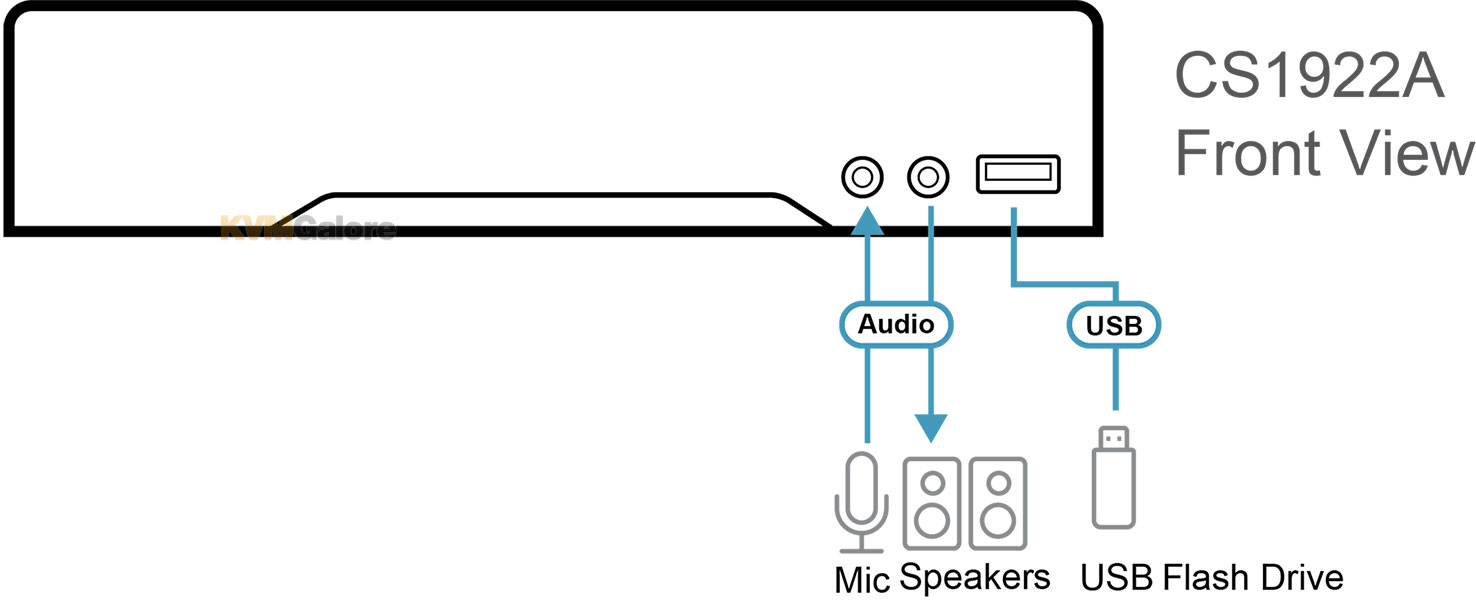
• Independent switching of KVM, USB, and audio (via Mode push-button)
• Supports console keyboard/mouse emulation/bypass feature
• Power-on detection automatically switches to the next active computer
• Firmware upgradable
• Multilingual keyboard mapping – supports English, Japanese, French, and German keyboards6
Streamlined, Ready-to-Use Experience
• Plug & play
• All DisplayPort/USB cables and power adapter included for hassle-free installation – no extra purchases needed
• Multiplatform support – Windows, Mac, and Linux
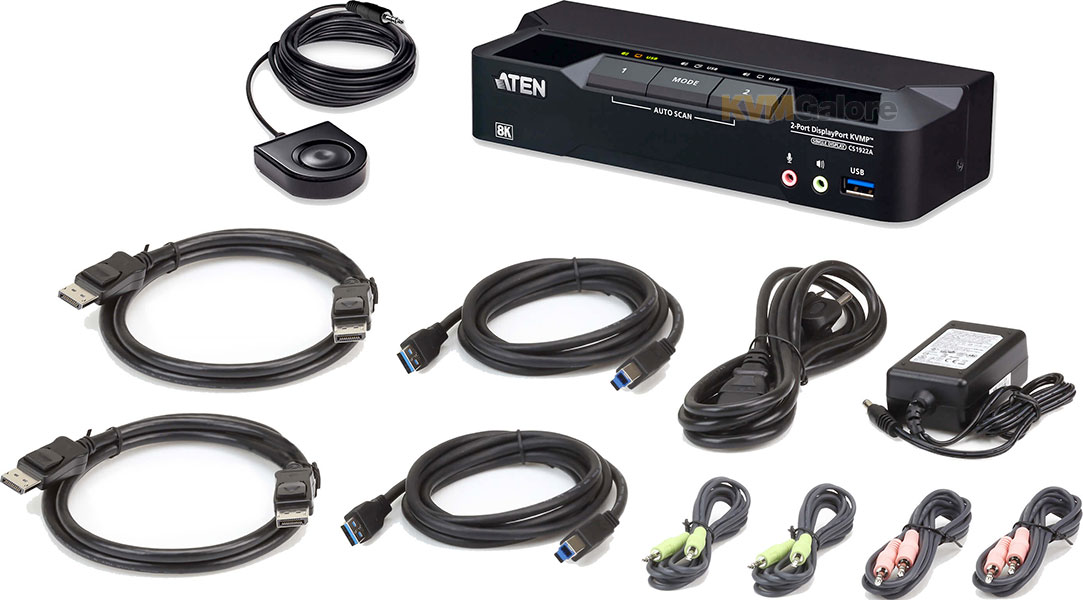
Package Contents
1x CS1922A KVMP switch
2x DisplayPort cables (1.5 m/5 feet)
2x USB 3.0 Type-A to Type-B cables (1.8 m/6 feet)
2x Microphone cables (1.8 m/6 feet)
2x Speaker cables (1.8 m/6 feet)
1x Remote port selector
1x Power adapter
Notes
1. DP++ (DP Dual Mode) requires a DP++ adapter (powered DP++ adapter recommended). The graphics source must be DP++ compliant.
2. MST (multi-stream transport) requires monitors capable of DisplayPort 1.4 daisy-chaining or the use of a powered DisplayPort MST hub. The PC source must be DisplayPort 1.4 compliant. A DisplayPort 1.1a or 1.2 display can be the last display in a DisplayPort 1.4 chain.
3. HD audio through HDMI cannot be switched independently.
4. Supports daisy-chaining setup for dual- or triple-display control - single-display models can connect with single- or dual-display models for dual- or triple-display setups using one keyboard and mouse.
5. For 3-button USB wheel mouse only. Mouse-port switching is supported only under mouse emulation mode.
6. PC keyboard combinations emulate Mac keyboards. Mac keyboards only work with Mac computers.